1
Record paired readings
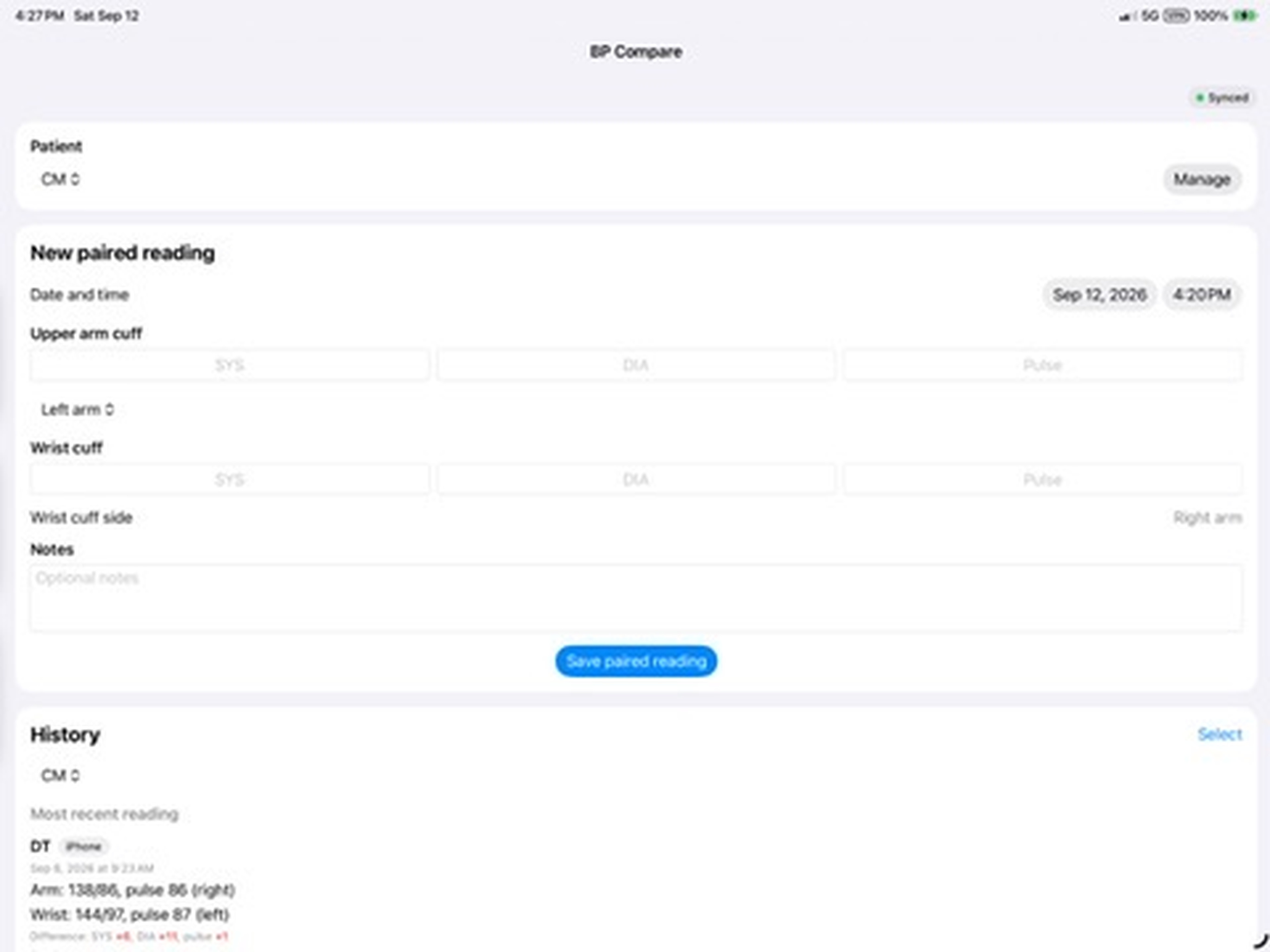
Enter upper-arm and wrist systolic, diastolic, and pulse readings together. Record the arm/wrist side and required device information; notes are optional.
Compare paired upper-arm and wrist blood-pressure readings and see how the cuffs differ over time.
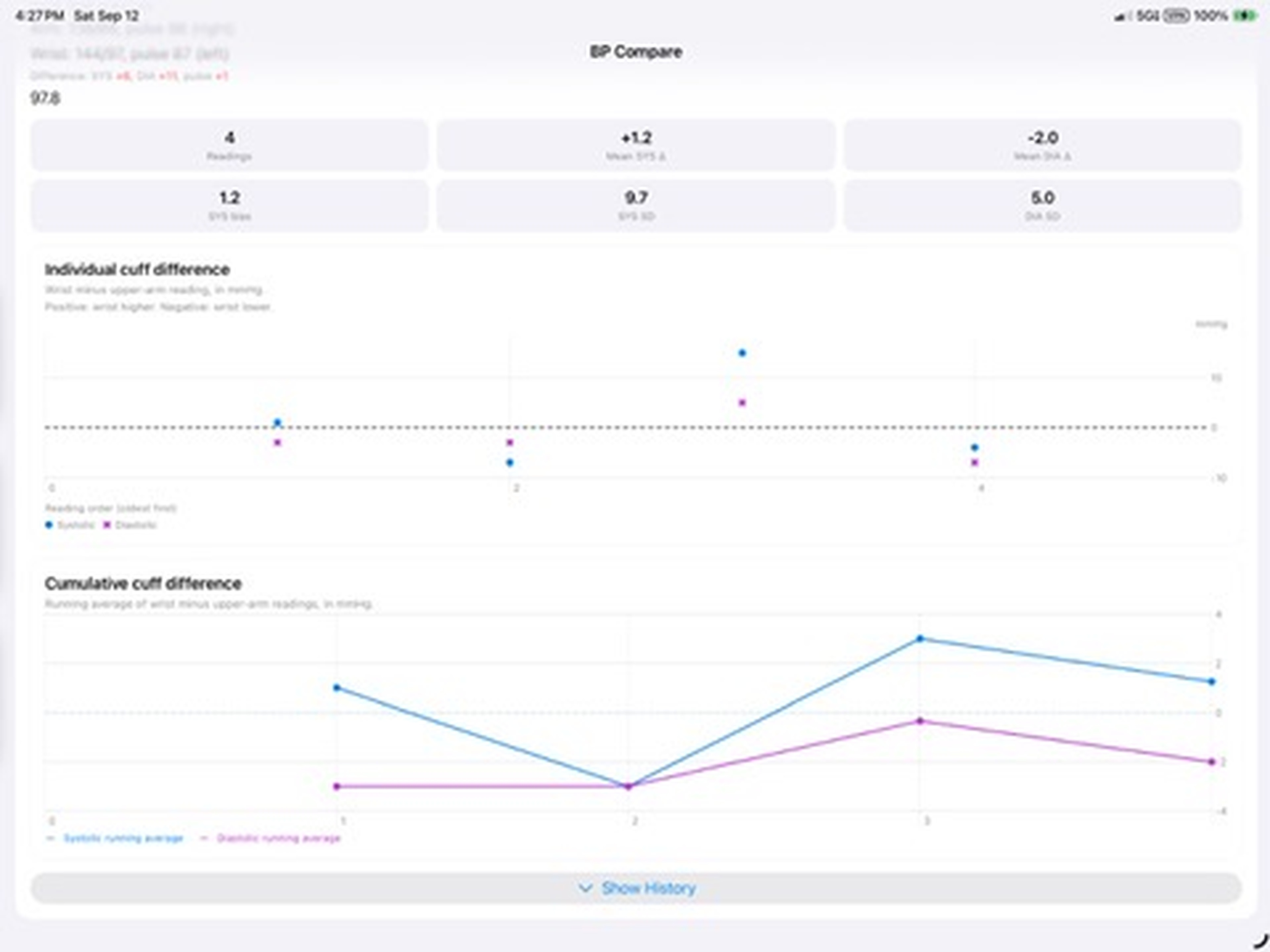
BP Compare records both cuffs and shows the actual differences over time. In Build 8, the individual cuff-difference chart is the primary comparison view; cumulative trends provide a secondary view of the running average.
Enter upper-arm and wrist systolic, diastolic, and pulse readings together. Record the arm/wrist side and required device information; notes are optional.
The primary chart shows the actual cuff difference for each paired reading: wrist minus upper arm. Positive values mean the wrist reading was higher; negative values mean it was lower.
Use the secondary cumulative cuff-difference chart to see the running average over time alongside the individual reading comparisons.
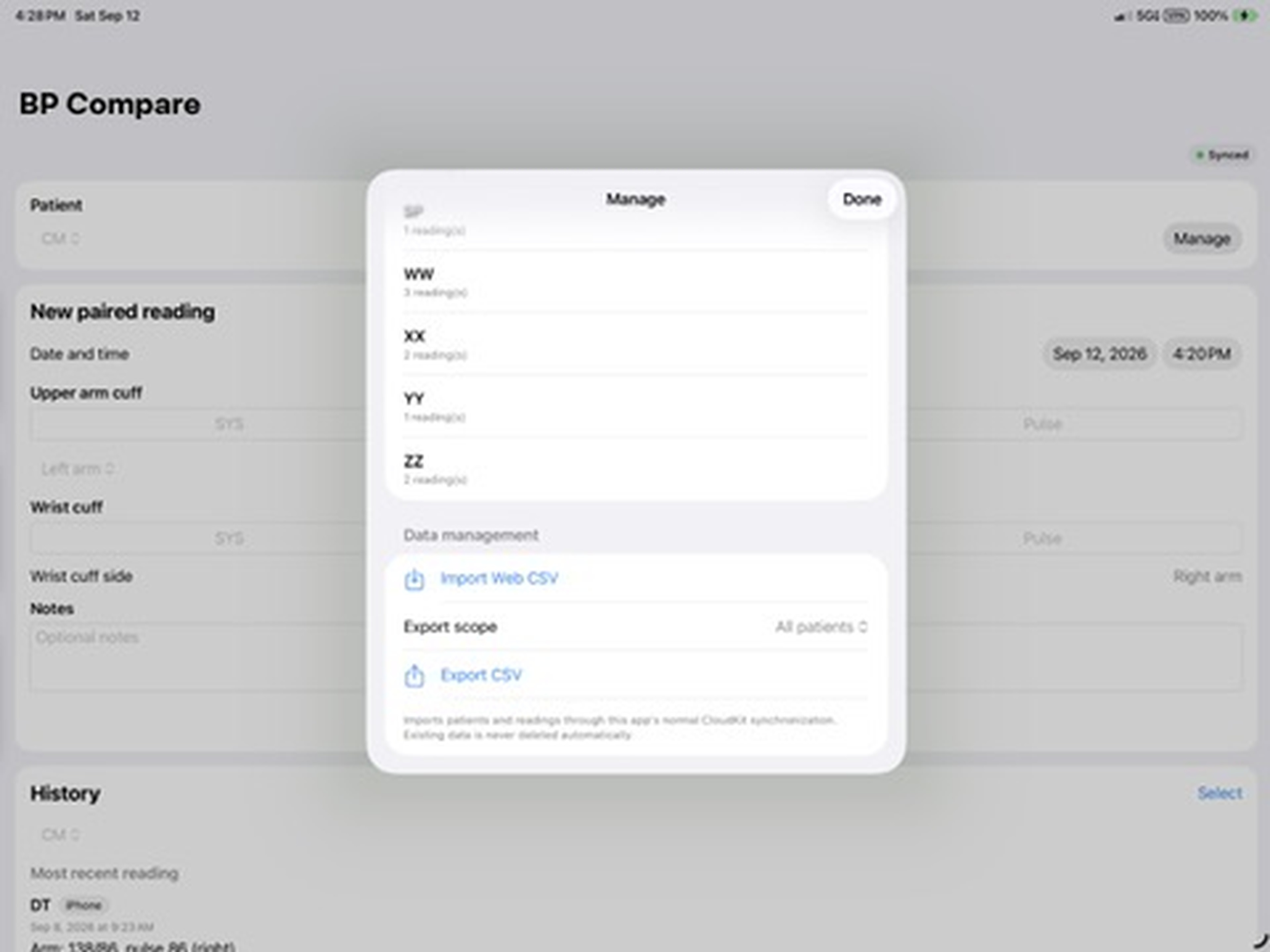
Create and manage patients, then filter History by patient. Select a reading to edit, or select one or multiple readings to delete with confirmation.
Keep data synchronized across your Apple devices with iCloud and CloudKit. Check the sync-status indicator and open Sync Details to review synchronization information.
Use Manage to import compatible BP Compare CSV files or export your data for use outside the app.
Paired readings, individual cuff differences, and data management in the native iPad app. Select a screenshot to view it full-size.
BP Compare is not a diagnostic system and does not replace clinical judgment or advice from a qualified healthcare professional. For help using the app, visit Support or read the Privacy Policy.